Why interior designers are drowning in admin, not mood boards
Interior design and home staging businesses have a strange problem. The creative work is what everyone trained for; the admin is what eats the week. Quotes, purchase orders, order tracking, approvals, invoices, site measurements and endless follow-ups land on the same one or two people.
Software for this market has split into two camps. One half runs the business, from specification to invoice. The other produces the pictures: AI rendering and virtual staging. Most designers pay for one of each, and the pricing shapes tell you which one you need.
The eight platforms below cover both camps. Prices come from the vendors' own pricing pages; where none is published, that is said plainly.
1. DesignFiles - the all-in-one for online and full-service studios
DesignFiles puts everything client-facing in one login: moodboards, 3D floor plans, a product clipper that pulls items from retailer sites, presentations, spec sheets, purchase orders, invoices and a client portal. It suits e-design and virtual studios, where the relationship happens on screen.
Pricing is month-to-month with no annual lock-in: e-Design is $55 per month and Full Service is $75 per month, with extra users at $30 each per month and an Enterprise tier quoted on request. Published plan details are at designfiles.co/plans.
Why it made the list: the most complete admin suite under $100 a month, with a 90-day money-back guarantee.
2. Houzz Pro - the lead-generation machine with AI attached
Houzz Pro is the biggest brand in the sector, and the only one here with a consumer audience attached. It combines a CRM, estimates and proposals, job costing, invoicing, payments, floor plans and selections with advertising
AI appears throughout the platform. Houzz lists a Houzz AI area plus AI Note-Taking and estimates with AI. Its own pricing page carries the label HOUZZ AI BETA next to the Front Desk module, so treat the newest pieces as early. Published tiers: Design at $99/mo, Pro at $199/mo and Teams starting at $399/mo with one seat included and extra users at $50 each; advertising starts at $499/mo. Table: houzz.com/houzz-pro/pricing.
Why it made the list: unmatched inbound leads, but the AI is the newest and least proven part of the stack.
3. Studio Designer - accounting-first, with an AI catalog
Studio Designer is the choice for designers who bill time, track cost against budget and reconcile purchasing. Its strength is the financial spine: proposals and sourcing, client portal, time billing and accounting workflows that most boutique tools leave to QuickBooks.
Per-user pricing is published both ways. Billed annually: Essentials $69, Professional $79, Premier $109 per user per month; monthly billing is $79, $89 and $119. AI appears in three places on its feature list - an Embedded AI Catalog, "Catalog + AI rendering" and AI chat support. Details: studiodesigner.com/pricing.
the fit for a studio that invoices by the hour.
4. Mydoma Studio - the priced baseline with no AI at all
Mydoma Studio competes on simplicity: project management, client communication, purchasing, time tracking and invoicing, aimed at solo designers and small teams.
It is also the cleanest no-AI data point here: the homepage and pricing page contain no AI copy at all. Pricing is $58 per user per month when paid yearly, plus a one-time onboarding fee of $450. See mydomastudio.com/pricing.
Why it made the list: a good, fairly priced studio manager - just do not pay for AI that is not there.
5. Fohlio - AI that sources products instead of decorating rooms
Fohlio is specification and procurement software for projects with long FF&E schedules: hotels, offices, multi-unit residential. It builds spec books, reports, budgets and procurement tracking, and integrates with Revit.
Its AI targets the least glamorous, most time-consuming job in the studio. In the vendor's own words it offers an AI-Powered Product & Materials Library that can "extract product data instantly from PDFs or any URL - AI auto-fills specs, images, and pricing", plus an AI Spec Book Import. No price is published: the pricing route returns a 404 and the site instead invites you to book a tour at fohlio.com, so treat it as quote-only.
Why it made the list: the only tool here whose AI removes genuine spec-writing labour rather than generating pretty pictures.
6. Interior AI - the cheapest way to try AI rendering properly
Interior AI does one thing: it restyles photographs of real rooms, turns sketches and SketchUp files into photorealistic renders, furnishes empty rooms with virtual staging, and outputs a 3D flythrough.
Its plan table is published on the homepage. Pro is $49/month, Premium is $99/month and Ultra is $199/month; yearly billing cuts those to $29, $49 and $99 per month. No seat minimum, no contract. Plans: interiorai.com.
Why it made the list: the fastest, cheapest way to find out whether clients will accept AI visuals before you commit to a subscription.
7. REimagineHome - credit pricing for designers who render in bursts
REimagineHome is built around a conversational workflow rather than a prompt box. You discuss the space, give constraints such as keeping a rug or matching a tone, attach reference photos, and it edits incrementally instead of starting over.
It is priced in monthly credits: $19/month for 30 credits, $36 for 200, $59 for 400 and $119 for 900. A design costs one credit, or two with real-product matching; conversation is free, so the effective cost falls from $0.63 to $0.13 per credit. Five free designs to start: reimaginehome.ai/pricing.
Why it made the list: credit packs suit studios with lumpy rendering demand better than another flat per-seat subscription.
8. Polycam - capture the room before you design it
Polycam is the odd one out and the most practical addition here. It turns phone or drone scans into accurate 3D models, floor plans and measurements, so the first site visit produces data instead of a folder of photos.
It is also the cheapest entry point here: a permanent free tier, then Basic at $150/year ($12.50/month billed yearly, or $30 month to month), Business at $400/year per user and Enterprise at $1,200/year per user with a three-user minimum. Its AI labels include AI Capture, an AI 3D model generator and AI-generated reports on the top tier. See poly.cam/pricing.
Why it made the list: measuring a room is the one job AI still cannot guess, so pay for capture and let the render tools do the rest.
Three more worth knowing
SofaBrain is staging with a real-estate slant - listing videos, virtual staging and an AI Listing Writer - at $59, $129 and $299 per month ($590, $1,290 and $2,990 yearly). Design Manager is project management at a flat $79 per month per user and markets no AI. Spacely AI sells credit packs instead of seats: 200 for $9, 1,000 for $35, 5,000 for $150. Programa is one plan at EUR 63 per month plus EUR 31 per extra seat, with no AI copy.
How to choose without paying twice
Start with the pricing shape, because it maps to how you work. The studio management platforms are priced per user per month and run from roughly $55 to $199 a seat: DesignFiles, Studio Designer, Design Manager, Mydoma Studio and Houzz Pro. If you are one designer with a freelancer, that is one or two seats. If you grow a team, the line item grows with you.
The visual tools are priced by output instead, which is why they look dramatically cheaper. Interior AI starts at $49 a month, REimagineHome at $19, Spacely from $9 a pack, and Polycam's free tier is usable for scanning. A stager producing 30 renders a month is better served by credit packs than by a $199 seat.
Then check what the AI in your studio software actually does. Here, AI means filling in catalog data, transcribing a site visit or reading a spec PDF - useful, but not the same job as generating a render. If pictures are the problem, buy a rendering tool; if paperwork is, pay for it inside the platform you already use. Only Fohlio attacks the spec book itself.
The honest takeaway
There is no single winner, because the two halves of this market solve different problems. A realistic 2026 stack for a small studio is a management platform at $55 to $99 a month, one rendering tool at $19 to $49, and a free or $150-a-year capture app.
The one thing worth resisting is paying for an AI premium tier before you have a specific job for it. Houzz flags parts of its AI as beta, Fohlio hides its price behind a demo, and several vendors file a single catalog feature under the AI heading. Test the cheap tool on a real project first.
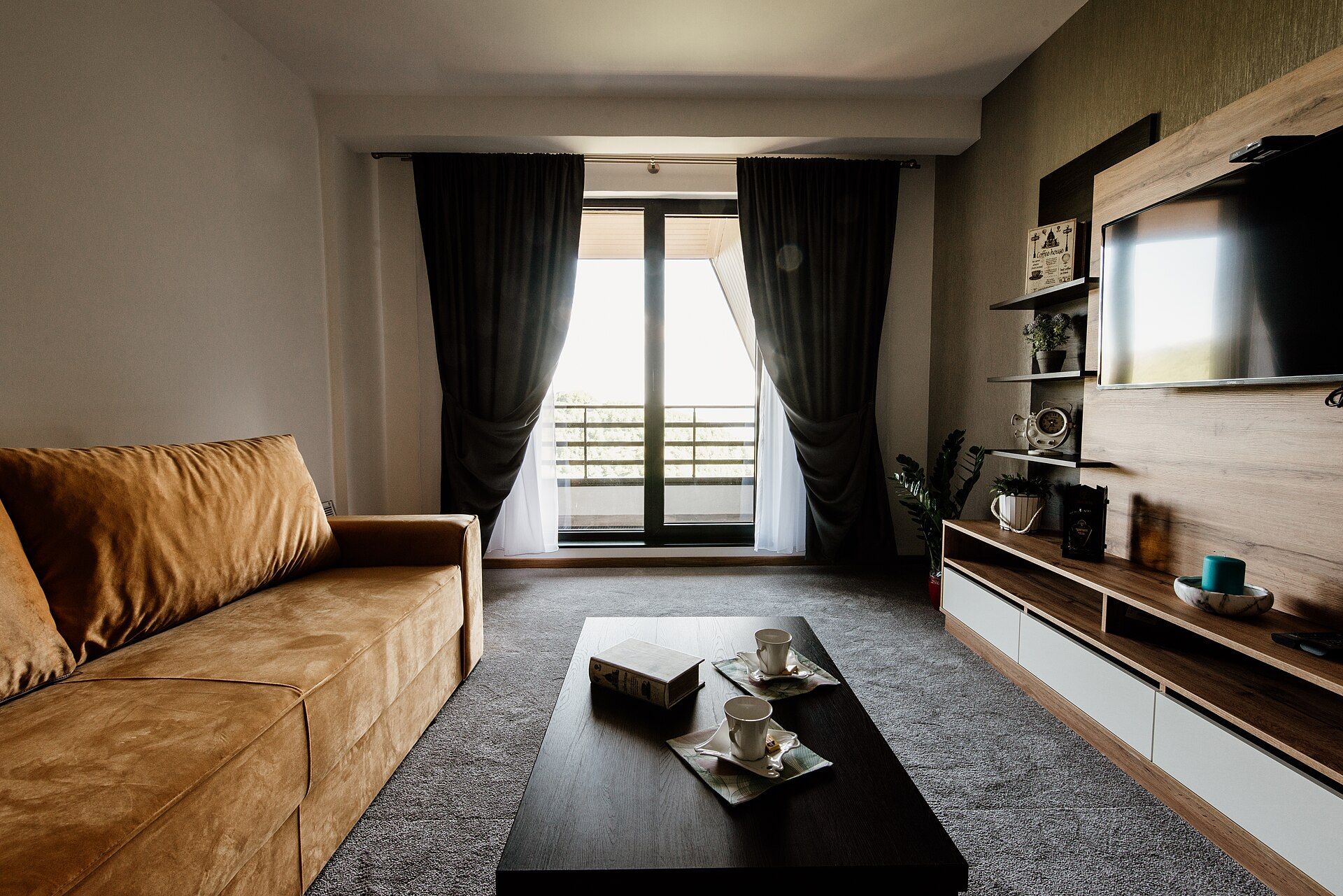
Cover photograph: Shixart1985, CC BY 2.0, via Wikimedia Commons.