A 3D printing business is a machine-hours business. What decides your margin is how many hours a week your printers spend producing saleable parts rather than failing or sitting idle.
That is why AI has landed in two places in this trade. One is design: turning a vague brief into a printable mesh, or a broken part into an editable CAD model. The other is the shop floor: catching the spaghetti, the lifted corner and the layer shift that quietly ruin twelve hours of machine time.
Below are eight platforms that cover both. Every price here is read from the vendor's own page, and where a figure is metered or still in beta, that is stated as such.
Where AI Actually Earns Its Keep
Failure detection is the easiest AI spend to justify: a print that fails at hour nine still burned nine hours of machine time. Vendors price detection three ways — unlimited, by the AI-hour, or bundled per printer — and that difference matters more than the headline figure.
Design AI is only worth it if you sell models or custom parts: if customers send finished STL files, spend the money on queueing and monitoring instead.
1. Meshy — Text and Images Into Printable Meshes
Meshy generates 3D models from a text prompt or a reference image, so a shop selling props, miniatures or decor can go from a rough brief to a printable file. The free plan allows 100 credits a month, but output is licensed CC BY 4.0 (commercial use with attribution).
Paid plans meter credits. Pro is $20 a month for 1,000 credits, Premium $40 for 3,000, Ultra $100 for 8,000. Studio is $70 a month for 5,500 shared credits plus $10 per extra seat. Its 3D Agent feature carries a NEW badge rather than a beta label.
Why it made the list: the cheapest credible route from a description to a printable STL.
2. Backflip AI — The Copilot That CADs Like a Human
Backflip's model produces parametric models with full feature trees you can open and edit in your existing CAD package — the difference between a printable shape and a part you can revise. It also scans physical parts into editable geometry, which matters when a customer brings in a broken bracket and no drawing.
Pricing is per month: the Free plan includes limited copilot use, Builder is $20 with copilot access, Pro $50 with higher limits, and Business $380 for the highest limits plus early access to new features. Enterprise is a sales conversation.
Why it made the list: it hands back a feature tree, so the model stays editable.
3. Zoo Design Studio — AI CAD Priced by the Minute
Zoo is built AI-first: you describe a part and its constraints, and its Zookeeper assistant writes the geometry. CAD modelling itself is unlimited on every plan — the metre runs only on AI reasoning and API or MCP calls, which share one allowance.
Free gives 20 minutes a month, Plus is $20 for roughly 400 minutes, Pro $99 for 2,500, and Team $399 per user for 10,000. Overflow is pay-as-you-go at $0.0083 per second. Staying in a familiar CAD app instead? Shapr3D's Pro tier is $299 per editor seat per year and includes up to three generative renders a day.
Why it made the list: you can see exactly when a part starts costing you money.
4. OctoEverywhere — Free, Unlimited AI Failure Detection
OctoEverywhere connects to whatever you already run — OctoPrint, Klipper, Bambu Lab, Elegoo — for remote access and streaming. Its AI assistant, Gadget, watches the feed for spaghetti, bed-adhesion and layer problems, then alerts you or pauses the print.
Its shape is the differentiator: detection is free and unlimited on the tier covering up to three printers. Supporter Perks start at $3.99 a month, adding advanced detection and five printers, then $1 per printer per month beyond. One caveat: the FAQ on the same page quotes the supporter tier at $2.49, so the two figures have not been reconciled.
Why it made the list: it does not meter detection hours at all.
5. Obico — Failure Detection Priced by the Hour
Obico, previously The Spaghetti Detective, is the open-source-friendly option: detection with automatic pausing, remote control and a mobile app, and it can be self-hosted if you would rather not send your camera feed anywhere.
Detection is metered in hours, not printers: Free covers one printer with 10 hours a month, and AI Premium is $6.99 a month billed annually at $83.88, includes the first printer and 50 hours on the newer model, and charges $2 per extra printer. Extra hours run from $2 a month for 80 hours to $20 for 2,500, and prepaid hours, 200 for $10, never expire.
Why it made the list: hour-based pricing suits machines that are only sometimes printing.
6. SimplyPrint — The Farm Dashboard With Detection Bolted On
SimplyPrint is the operational layer: queue, cloud slicing, filament tracking, maintenance schedules and livestreams for a mixed fleet. Its AI failure detection can auto-pause or auto-cancel a failing print on paid plans, and it is metered separately.
Free covers two printers and 12 AI detection hours a month. Basic is $5.99 a month for three printers, Pro $9.99 for five (ten at $4 per extra printer), Print Farm $39.99 for ten printers and two seats, Enterprise $299 for SSO and an SLA. Yearly billing saves about 15%; extra detection hours are $3.60 a month.
Why it made the list: the most complete ops stack per dollar past five printers.
7. 3DQue AutoFarm3D — Automation Plus QuinlyVision
3DQue sells the lights-out version of a print farm: software that queues work, plus auto-ejection hardware that clears a finished bed so the next job starts without anyone walking over. QuinlyVision, its AI failure detection, is included in every plan rather than sold as an add-on.
The entry tier, AutoFarm3D Lite, is $9.99 a month for a 10-printer dashboard, with extra printers at $2 and auto-ejection hardware at $29 per printer. The full AF3D tier is $29.99 a month per printer and adds order management, a products module and smart routing. Larger farms are asked for a quote, but the self-serve tiers are published.
Why it made the list: hardware-backed automation with AI detection at no extra line item.
8. Printago — Pay for Throughput, Not Printers
Jobs route to a printer with the right material, and parametric parts let a customer generate a variant from a form.
The first slot is free forever with a 14-day trial on additional slots, and extra slots are $4 a month each. Its AI agents ship today, but failure detection is still a closed beta — treat that as roadmap. The same segment includes AstroPrint, whose Premium tier is $9.90 a month for the first five printers with a text-to-model generator; the company now steers farms to PRINT&GO.
Why it made the list: the least punishing way to add automation at three printers.
Why the Quoting Side Publishes Nothing
If you sell custom parts, the AI you would most like to buy is instant quoting, and that is where vendors stop publishing prices. Xometry, Protolabs Network, Craftcloud, Treatstock, Jiga and Paperless Parts all price per part or by sales conversation — Paperless Parts' pricing page is literally a request form.
3DPrinterOS is the other gap in this list: its platform names failure detection AI that stops failed prints early, but there is no plan table, only a 14-day trial and a talk-to-an-expert button.
How to Choose Without Overpaying
Metering is the real price. Two tools can both advertise $20 and diverge fast: Meshy meters credits, Zoo meters minutes of AI reasoning, Obico and SimplyPrint meter detection hours, 3DQue meters printers. Work out your worst month before you pick a metre, and test the free tier on one machine first.
If you also make physical products, the same logic appears in AI tools for manufacturers, where the priced layer is maintenance and scheduling.AI tools for manufacturers, where the priced layer is maintenance and scheduling rather than cameras.
The Honest Takeaway
A shop running two to four printers can cover itself for under $15 a month: free OctoEverywhere for detection, plus SimplyPrint's Basic or Pro tier for the queue and filament tracking. Larger farms should expect $40 to $300 a month for operations, which one saved overnight print usually repays.
The design tools are the more interesting frontier, and the easiest place to overpay. Meshy, Backflip and Zoo all have free tiers that show within a week whether AI can produce files your customers accept — nothing here requires a top tier to find out.
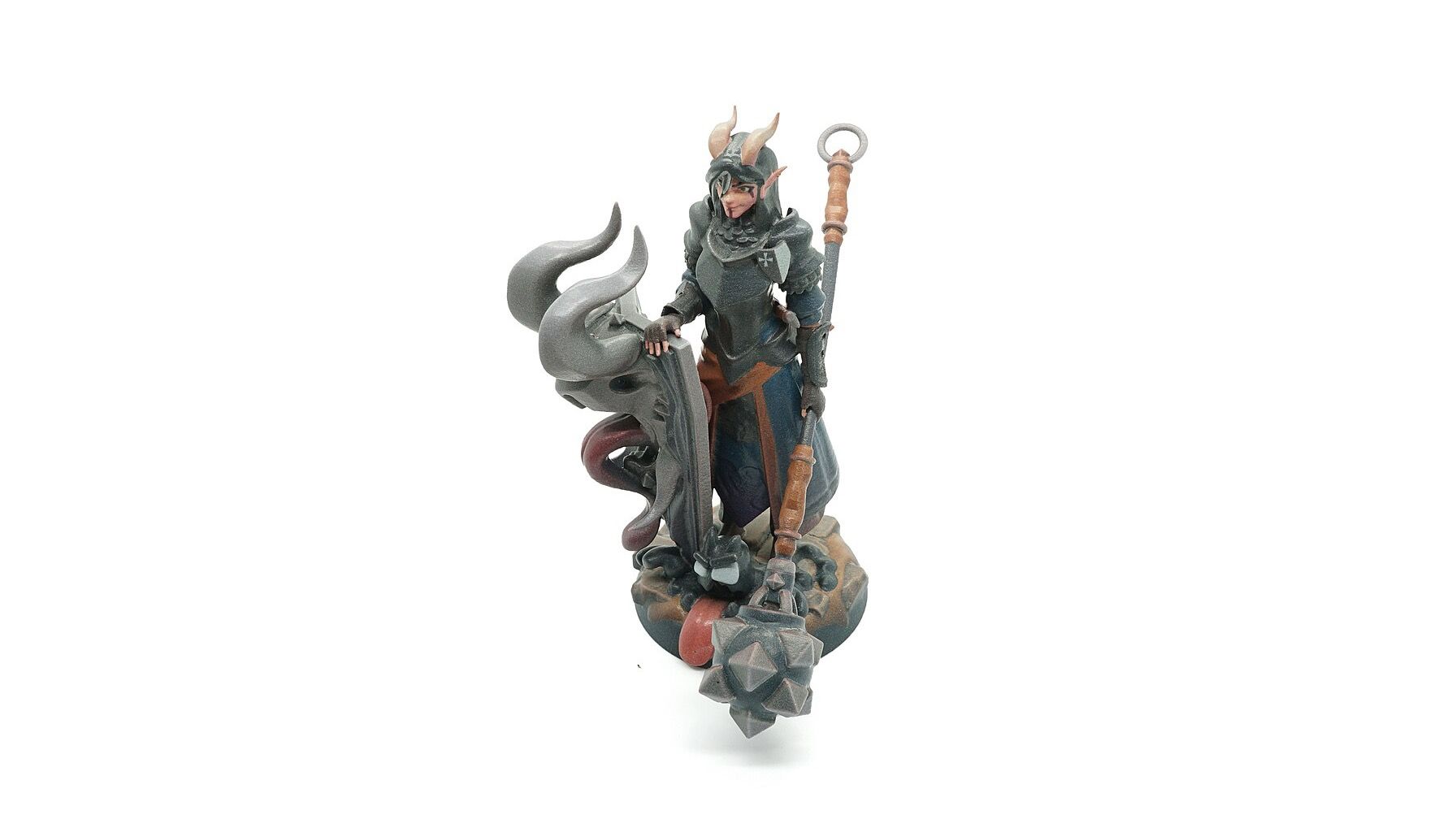
Cover photograph: ScottHShapeways, CC BY-SA 4.0, via Wikimedia Commons.